Personal finance,
effortless.
Log your expenses in seconds. Type it, use Siri shortcuts, or import your files. With Pro, also photos and voice. Yala organizes. You move on with your day.
100% private • Your info stays with you • Available on App Store
Why "Yala"?
"Yala" comes from "ya la hice" (Spanish for "I got it done") — that feeling of accomplishing something without extra effort.
We built Yala because finance apps existed... but nobody used them. We wanted something that actually works for how we live: fast, visual, no fuss.
We're a small team from Peru building the app we wanted to use ourselves.
Tired of guessing where your money goes?
The lost receipt
You stuff receipts in your pocket and they vanish. End of month, you can't remember what you spent on.
End of month surprise
"Where did my paycheck go?" Small expenses eat up to 20% of your income without you noticing.
The spreadsheet you gave up on
You started motivated, but logging every expense manually is tedious. You quit after 3 days.
It's not lack of willpower. The tools just don't help.
Yala does the heavy lifting.
Other apps
- Manual entry for every expense
- Categorize one by one
- No local context
- Complicated interface
With Yala
- Type it, import, or use shortcuts. Done.
- The app organizes for you
- Built for your local context
- Designed to actually use
Financial superpowers.
Technology that works for you, not the other way around.
Smart capture · Pro
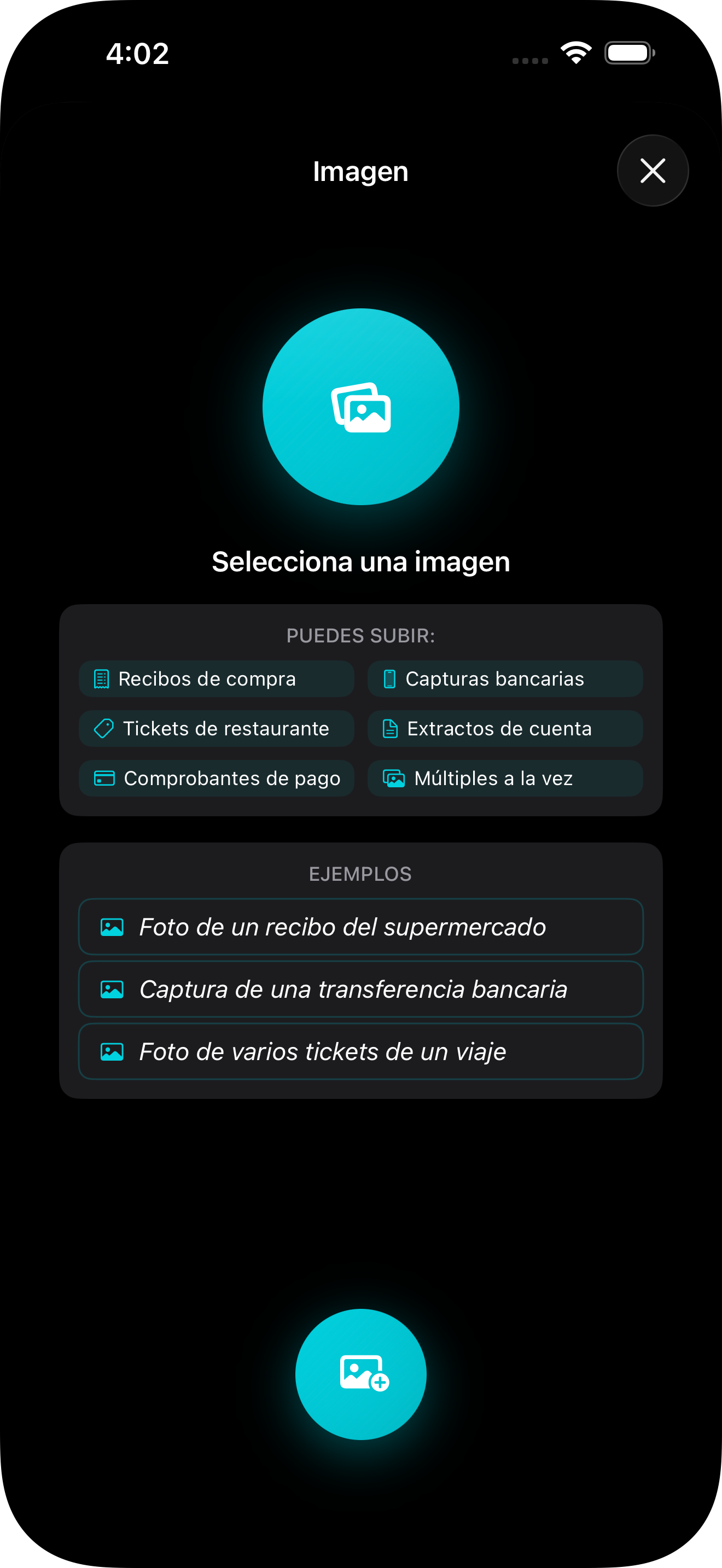
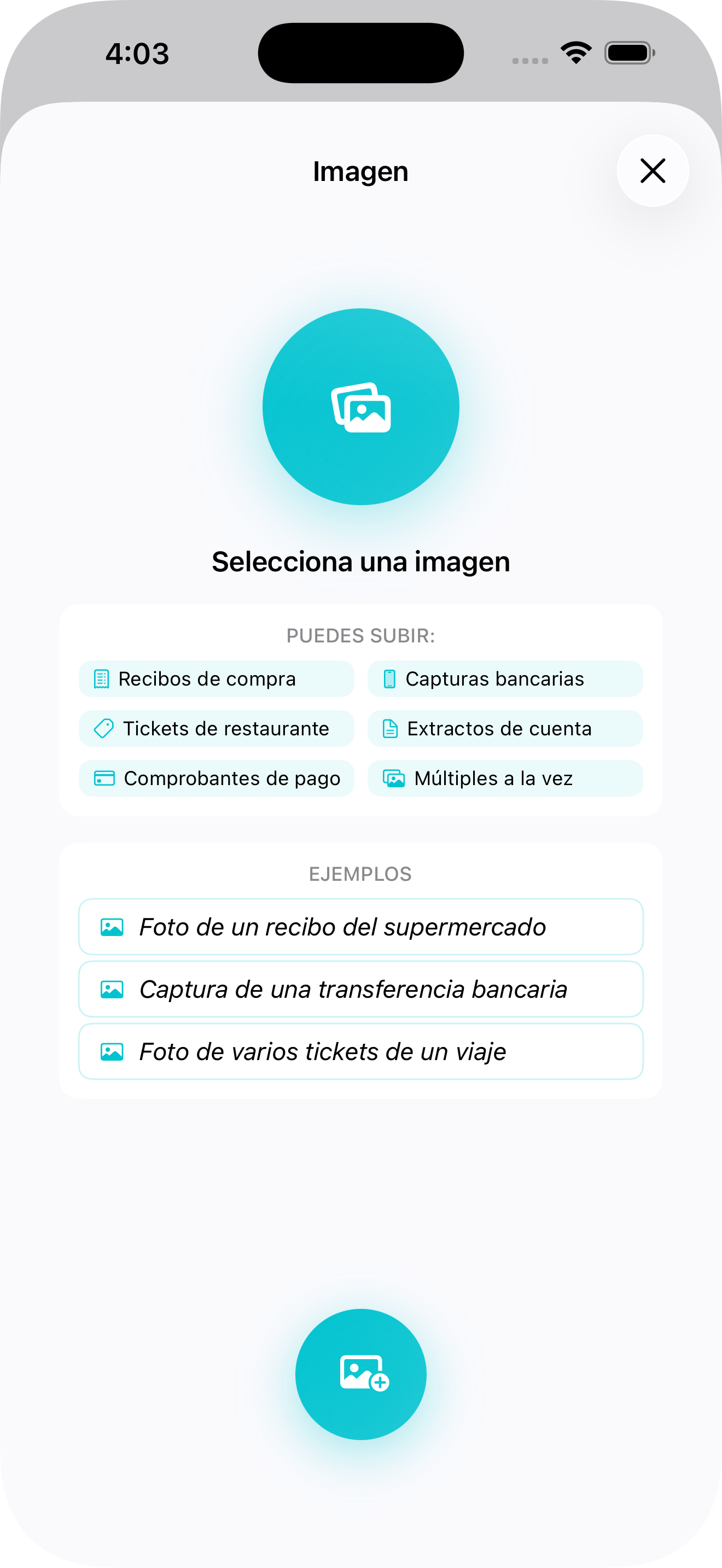
Point, shoot, recorded. The camera reads your receipts automatically.
Voice that understands · Pro
Say "Spent 50 bucks at the grocery store" and done, logged with category.
Import everything
Your bank history in seconds. CSV, Excel, whatever you have.
Siri Shortcuts
Automate the repetitive. Create shortcuts for frequent expenses.
iOS Widgets
Your summary on the home screen. Balance, payments and budgets without opening the app.
Smart notifications
Budget alerts, payment reminders and automatic reports.
Multi-account
Cash, cards, savings. All in one place.
48+ currencies
Travel without losing control. Automatic conversion across 7 continents.
Export everything
CSV or Excel. Your data is always yours and you can take it whenever you want.
iCloud Sync
Automatically sync across all your Apple devices.
This easy.
Three steps. No spreadsheets. No hassle.
Log in seconds
Type it, use a Siri shortcut, import your bank file or — with Pro — snap a photo or dictate.
Everything organizes
Categories, subcategories and tags. Pro auto-categorizes with AI.
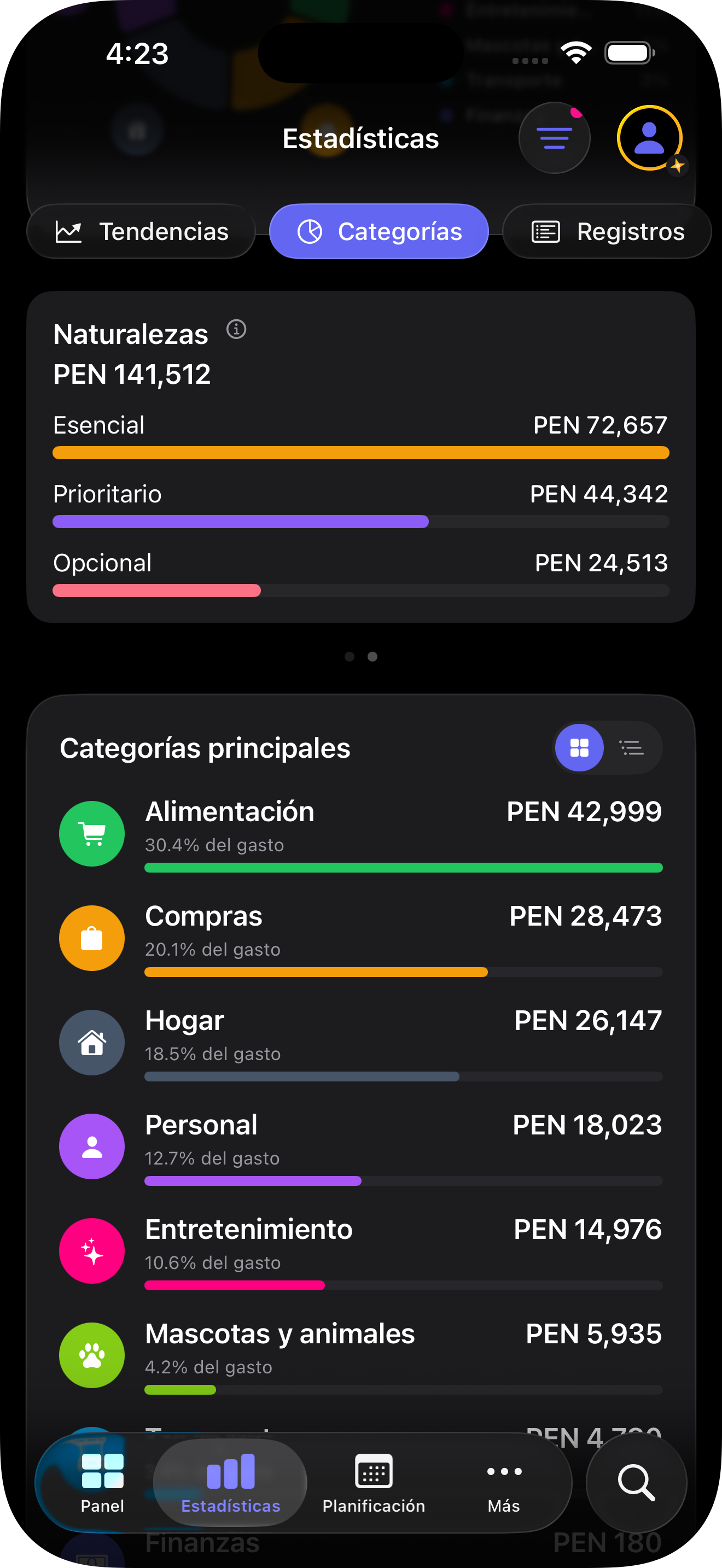
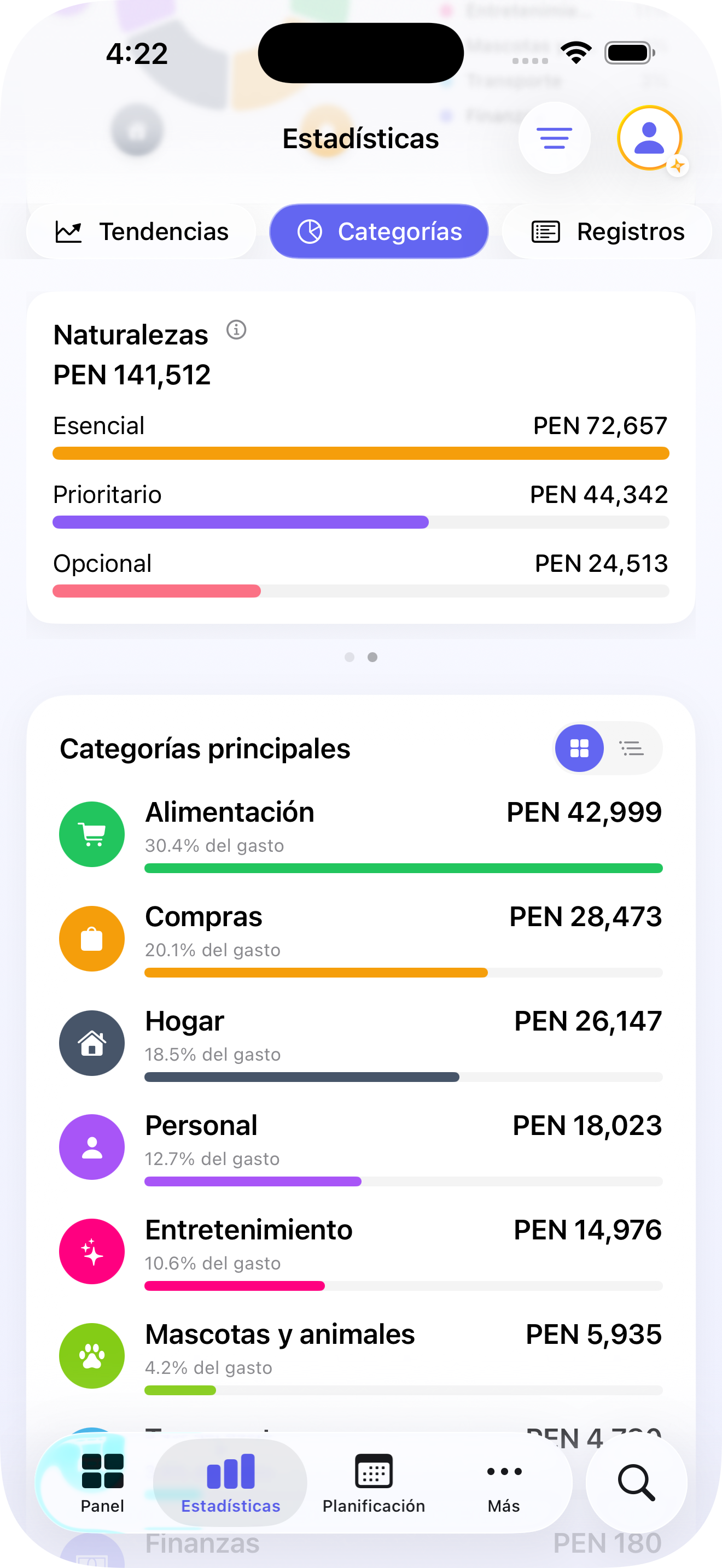
Understand your money
Trends, budgets with alerts and month-to-month comparisons.
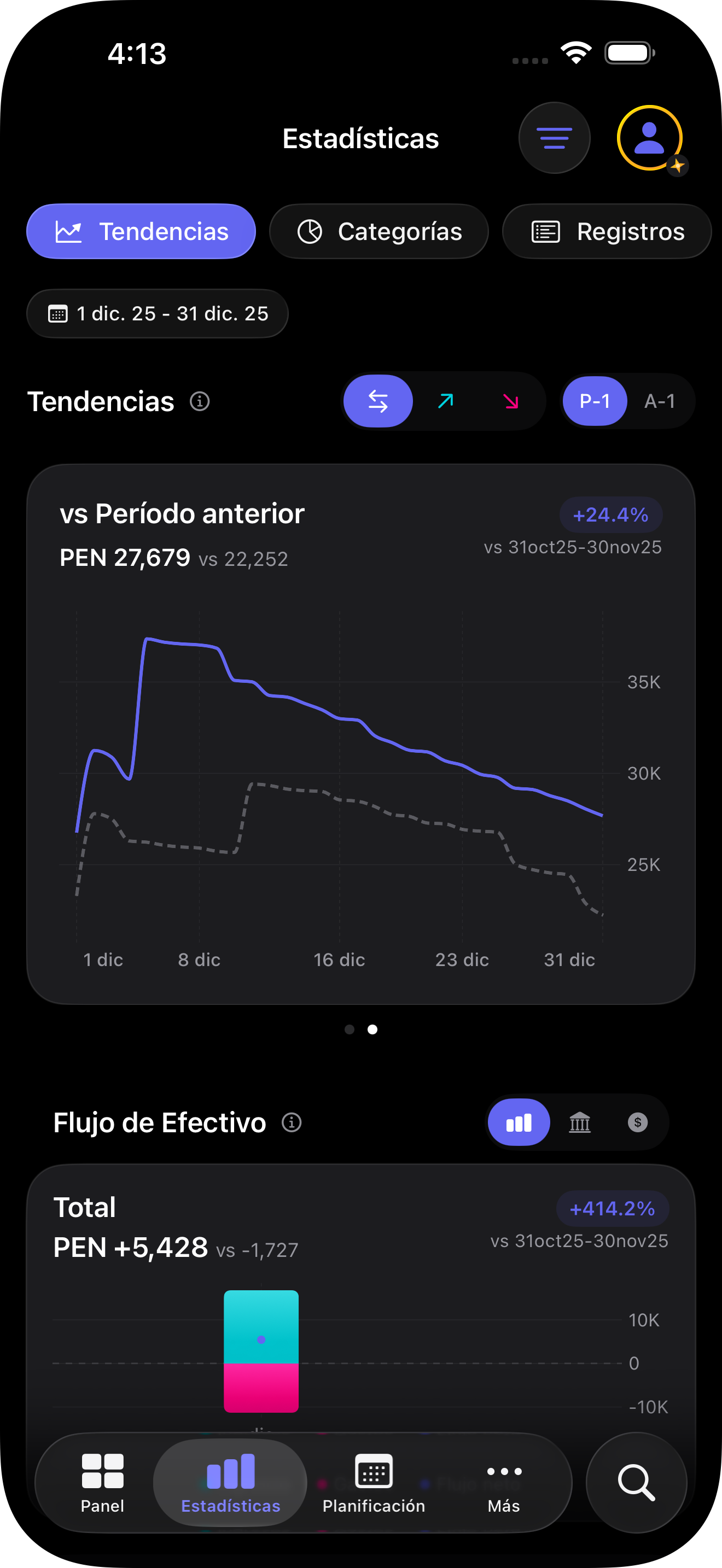
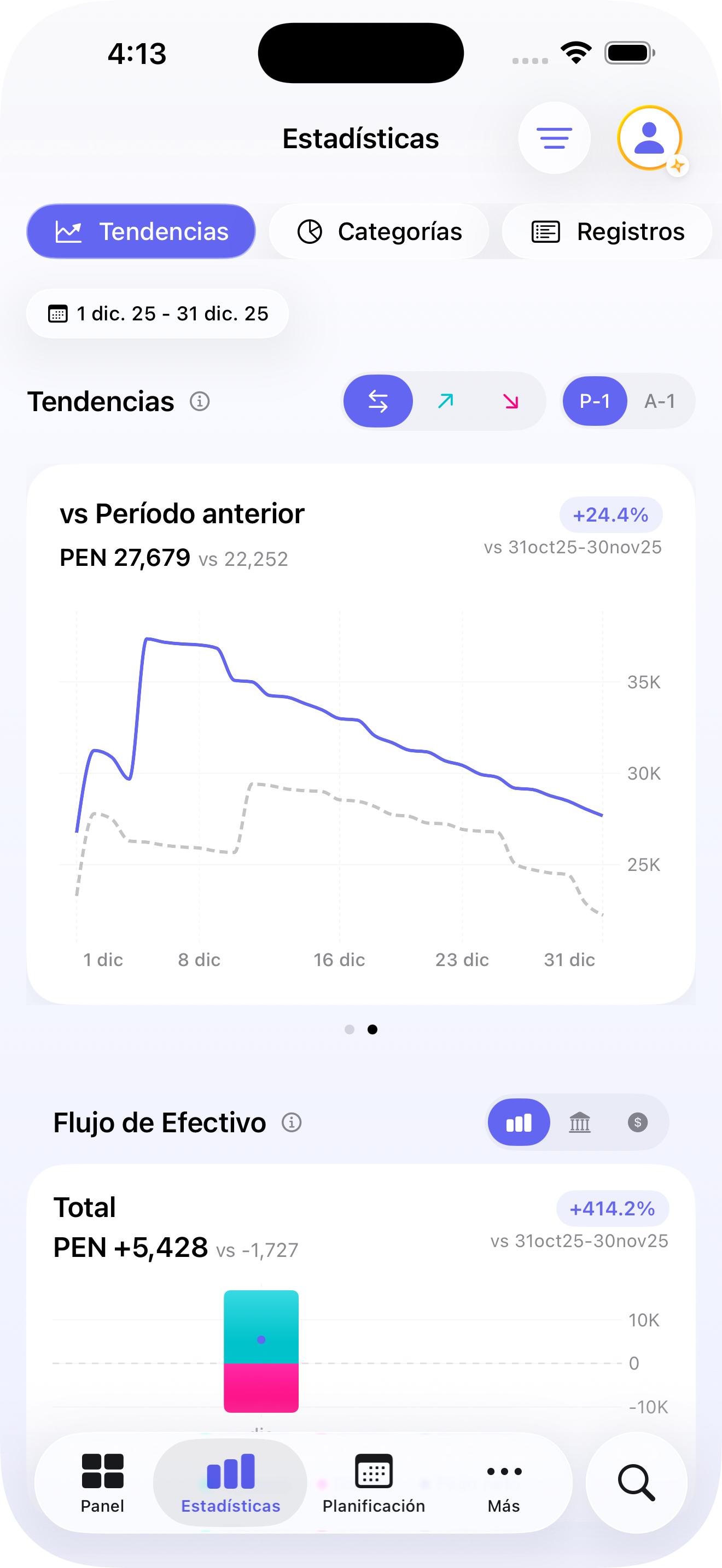
Stop guessing.
Start understanding.
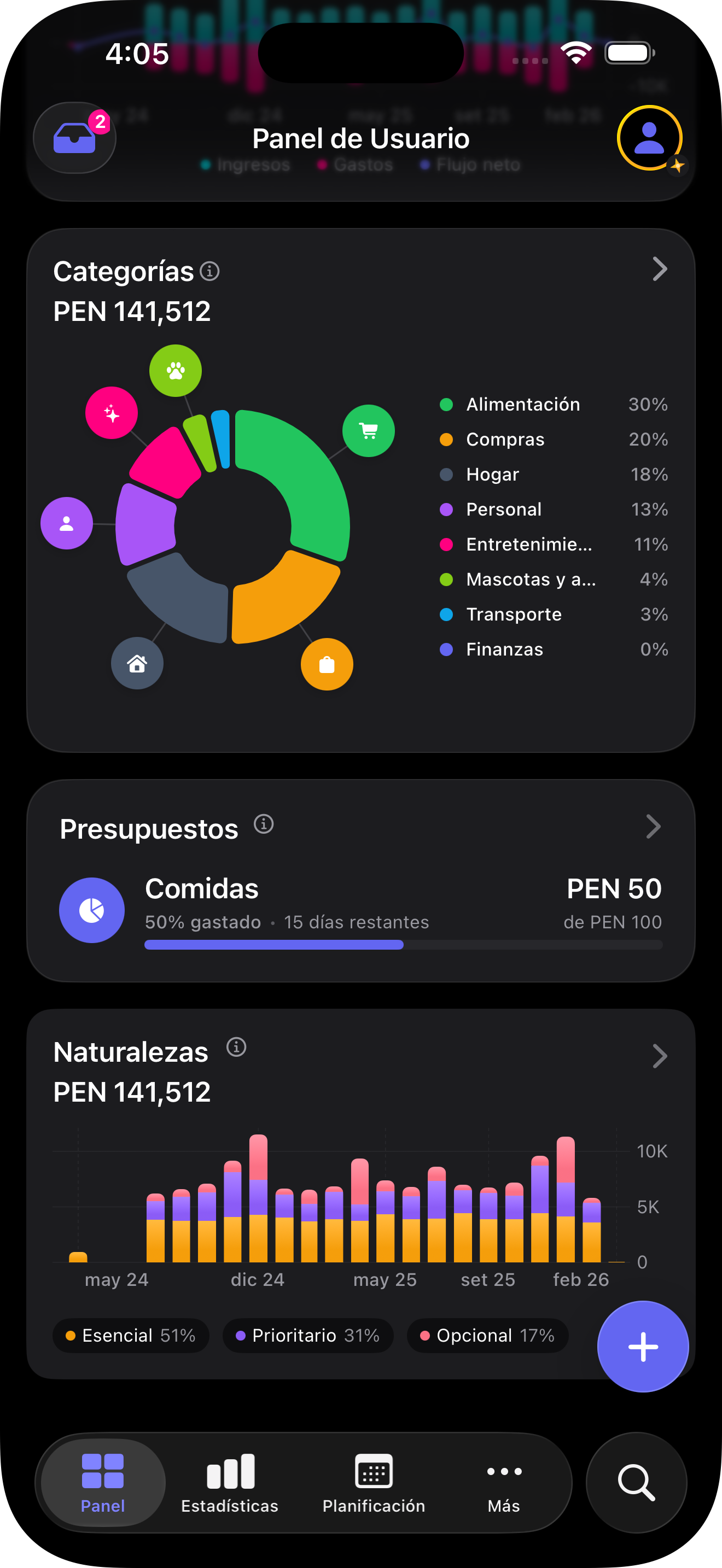
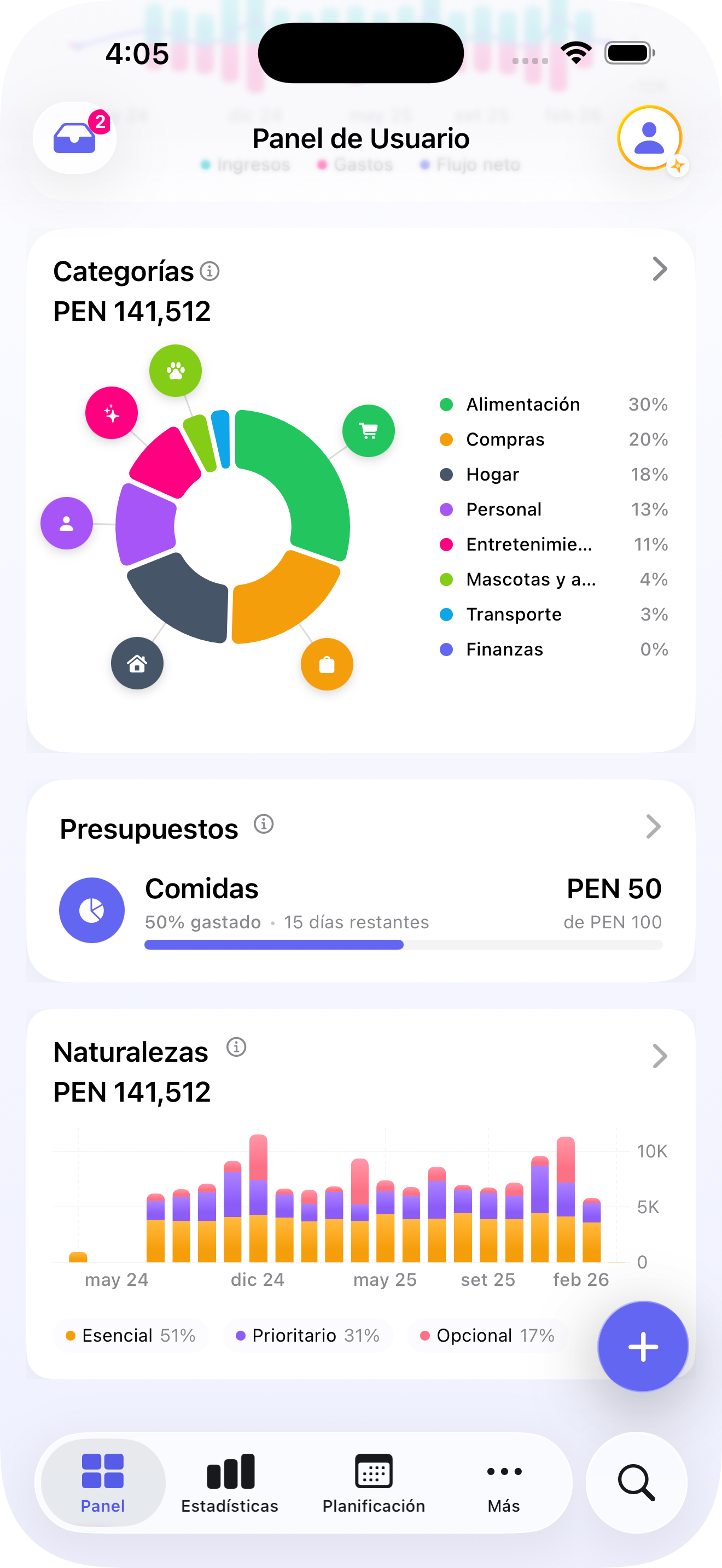
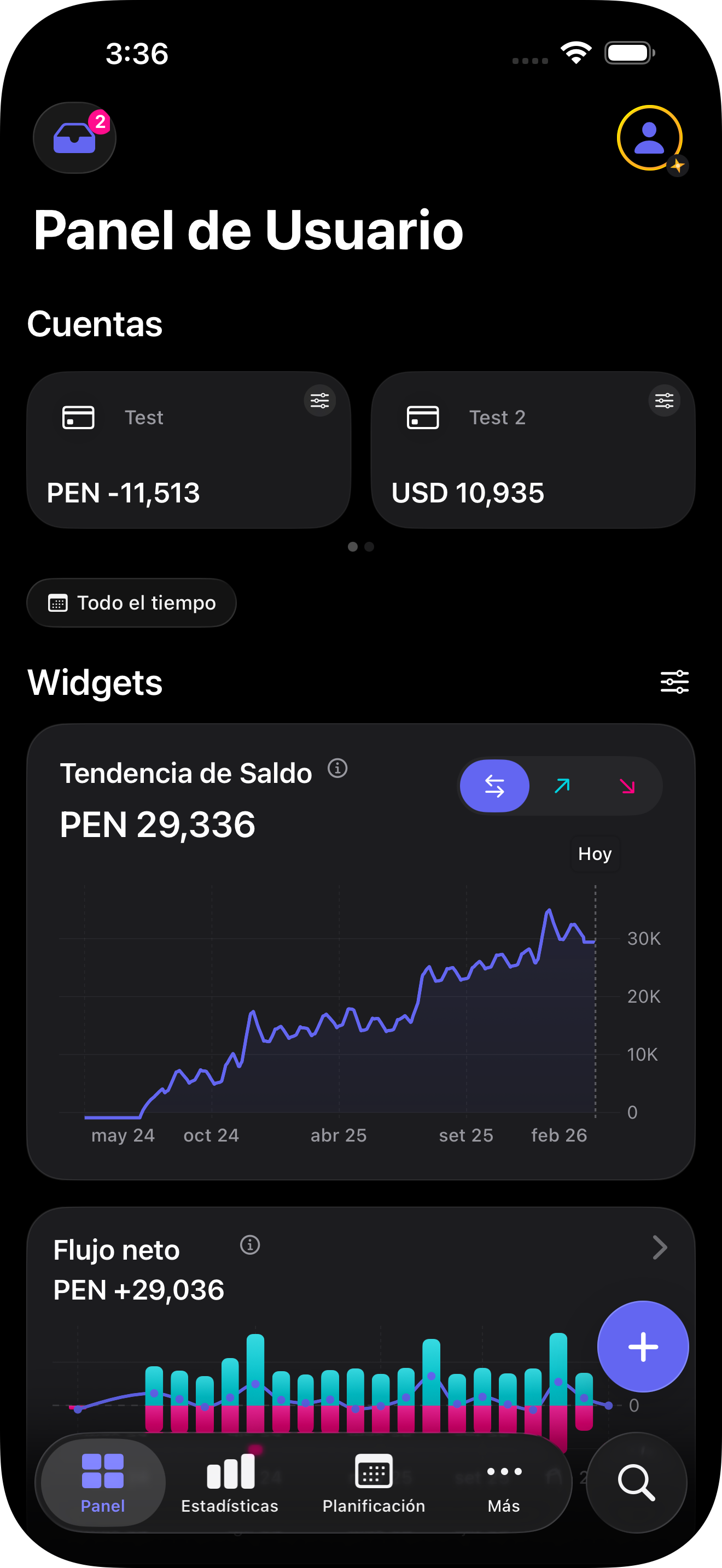
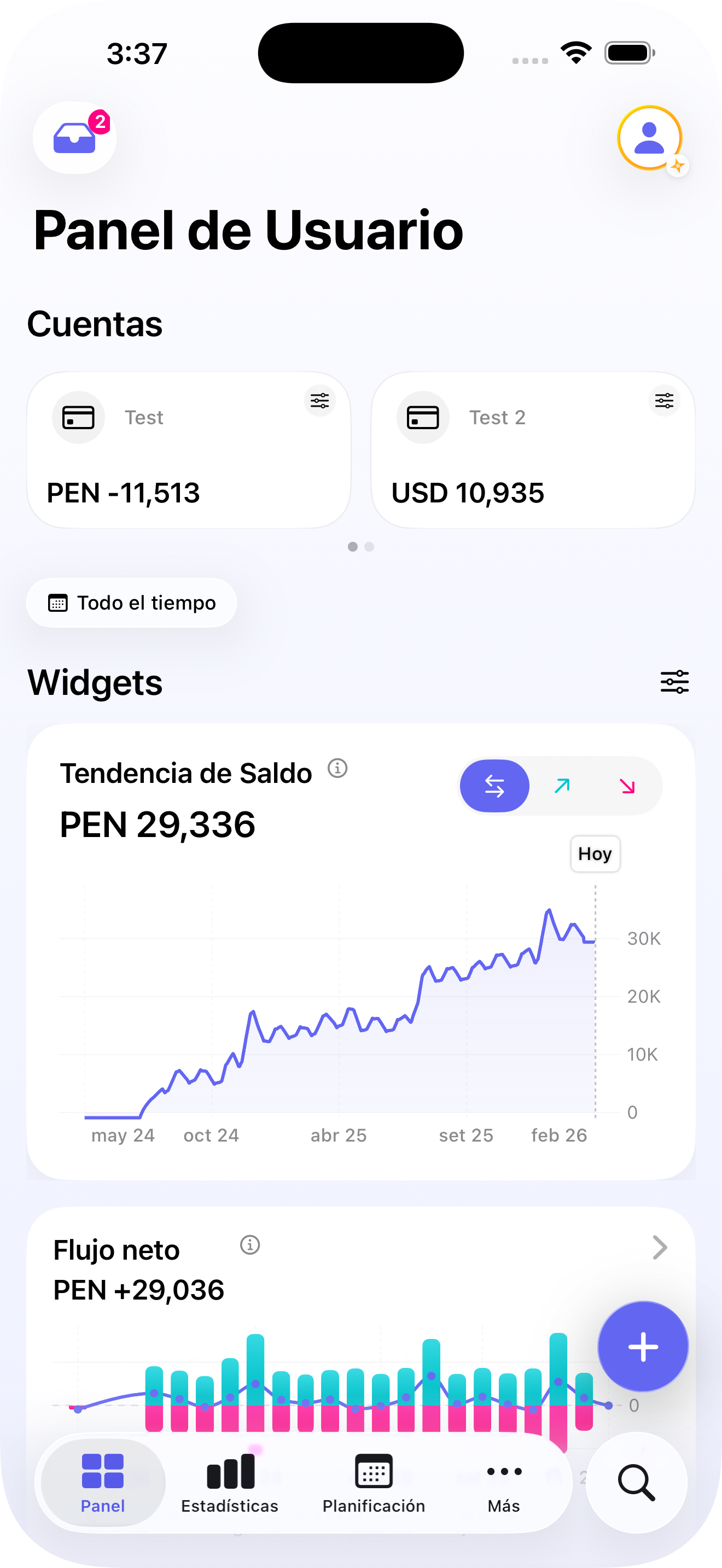
- Spending trends with month-to-month comparisons
- Budgets with alerts at 50%, 75% and 100%
- Top categories, cash flow and widgets on your home screen
Your money is private.
Your data is too.
What we DON'T do
- Connect to your bank
- Sell your data
- Store on our servers
- Track your behavior
What we DO
- Encrypt on your device
- Backup to YOUR iCloud
- Available on App Store
- Full transparency
Start free.
Upgrade when ready.
Yala Free
- 2 accounts
- Manual + Siri shortcuts
- Full customization
- Budgets with alerts
- Scheduled payments + notifications
- iOS Widgets & Control Center
- 48+ currencies with conversion
- Import & export (CSV/Excel)
Yala Pro
or $29.99/year
- Everything in Free, plus:
- Unlimited accounts & budgets
- Scan receipts and screenshots
- Speak your expenses
- Advanced reports
- Early access to new features
- Premium icons + priority support
- AI auto-categorization
Frequently asked questions
Is my data secure?
Yes. Everything is stored on your iPhone and syncs with your personal iCloud. Yala has no servers, never sells data and includes no ads.
Do I need to connect my bank?
No. Yala works without bank connection. You can import CSV/Excel statements or log expenses manually, with Siri shortcuts, or with photos and voice (Pro).
Does it work offline?
Yes. Logging, budgets, charts and widgets work offline. You only need internet for iCloud sync, exchange rates and Pro AI features.
Can I import past expenses?
Yes. Import CSV or Excel files from your bank. Yala detects currencies, parses dates and processes the history automatically.
How do photos and voice work?
These are Yala Pro features. Point your camera at a receipt or say "Spent 50 dollars on groceries" and Yala creates the transaction with amount, category and date.
What if I change phones?
Your data automatically syncs with your personal iCloud. When you set up your new iPhone, everything will be there.
What does Yala Free vs Pro include?
Free includes everything essential: manual logging, Siri shortcuts, 2 accounts, budgets with alerts, widgets, 48+ currencies and export. Pro unlocks unlimited accounts, photos, voice and advanced reports. You can cancel Pro anytime.